
We've all been there before. You're scrolling through your Instagram feed and all of your friends' photos look world's above yours. While some of them will have no doubt splashed out on fancy DSLR or Mirrorless camera gear, the truth is, it's easier than you think to upload photos that stand out from the crowd.
Today we have put together a few basic edits that anyone can do to improve the look of their photos.
Exposure/Brightness
Whether you are using high-end editing software, such as Adobe Photoshop or Lightroom, or just sticking to the basic software on your phone, you will find an easy to use exposure adjustment. Usually, this is adjusted as a simple slider and the slightest adjustment can lift a grim and gloomy image into something easier on the eye.
Top Tip: Don't go too far with this edit and if you know how to read a histogram, you can keep an eye on it to see what potential changes should be made.

Contrast
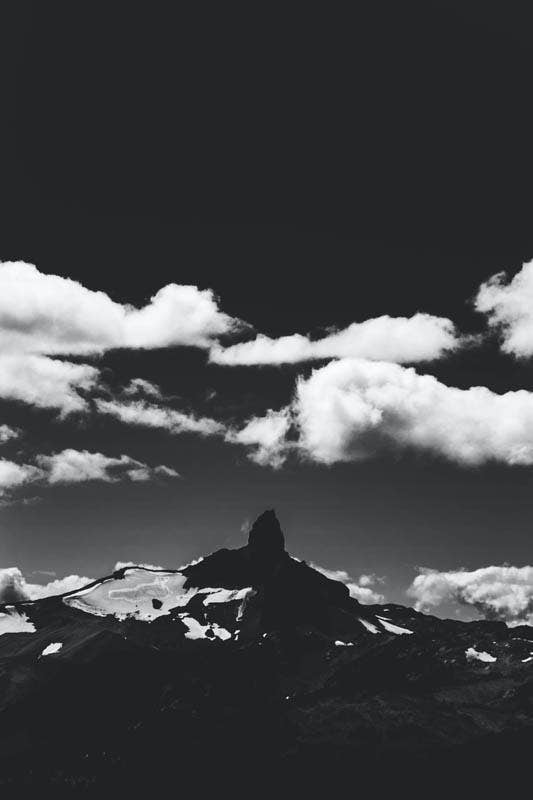
If your photograph looks flat and lifeless, chances are an increase in contrast is all it needs to pop. While this can be done in a few different ways in photo editing software, the contrast slider tool is the simplest. Once again, going too far can make your photo look corny or amateurish but just enough gives your image more impact.
Top tip: If you are struggling to edit a backlit photo, increasing contrast will go a long way towards resurrecting it.
Levels
Levels are one of our favourite editing tools in Photoshop, and many of the most important adjustments can, in fact, be made with this one tool. On the RGB channel, you can set a black and white point for your image, using the two outside sliders, which serves the purpose of increasing the tonal range and contrast. The middle slider can then be used to adjust mid-tones.
Switching to the separate colour channels, red, blue or green, allows you to amend any white balance issues or colour casts, or to achieve more creative results.

White Balance

In the editing stage, adjustments to white balance are generally reserved for images shot in RAW file format. If your images have a colour cast that you are unsatisfied with, this is a great way to amend this. In basic terms, white balance adjusts how white appears in an image and all colours then fall into place accordingly. There are two common ways to do this, one is to select a lighting condition that best represents the lighting of the shot, such as "cloudy" or "sunlight", the other is to use the colour temperature slider. For best results, choose the right condition and fine-tune with the slider.
Top tip: As discussed in this blog, white balance can be set in your camera, which saves you time in the editing stage.
Saturation
Adjusting the saturation of an image basically affects how vivid the colours are. There is no right or wrong answer, but the choice you make does impact your results greatly.
For more striking colours, such as you often see in sunset images, increase saturation by moving the slider to the right, for a more muted and subdued appearance, go left for less saturation.

Crop/straighten
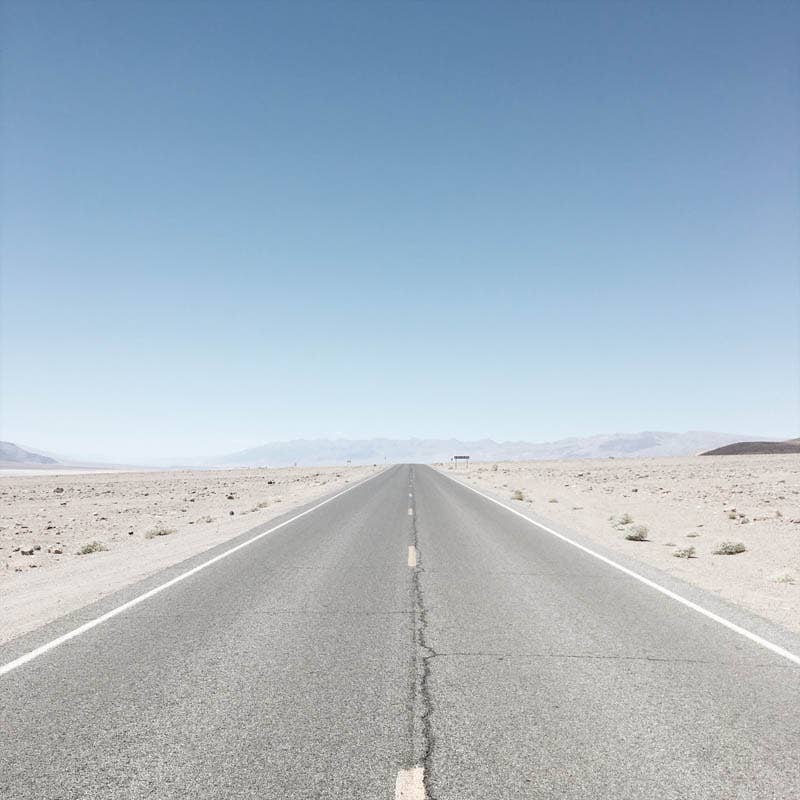
Many of us use the crop tool far too sparingly. With modern cameras having such high megapixel counts, you can afford to experiment with cropping your image without diminishing your photo quality. If you find your image is a little boring, see if a tighter crop on your subject helps your composition at all.
Look at the edges of your frame and ask yourself if the features that are there add to the image at all and if not, get cropping. Fewer distractions will actually lead to a more striking and successful composition.
With certain styles of photography, such as candid street shots, you can have more power if your images aren't perfectly straight. In other cases, straightness is essential. To check if your image is level, turn your attention to the horizon and use the ruler tool for help.
Sharpening
Sharpening should be the last step in your workflow and it is a great way to add a finishing touch to your hard work. Sharpening will NOT fix a blurry image but it will make a picture look much more professional and finished. For beginners, we advise using sharpening sparingly, as there is such a thing as over-sharpening.
Top tip: When it comes to sharpening, you should always inspect your results with your window zoomed to 100%

Improve your editing skills today
As you can see, whether you are photographing with a high-end DSLR or a humble smartphone, there are simple steps that you can take to make sure your images stand out from the pack when you share them with the world.
If you need s refresher on some of the terms used in this blog, check our photography glossary, or chat to our friendly staff in store.